

GC-Tag Bluetooth Tracker: 10 Common Questions About Pets, Kids, Helmets, and Motorcycles
If you are considering a GC-Tag, you probably have questions. Is it GPS? Can it track in real time? Beyond keys and luggage, does it work on a pet, a child, a helmet, or a motorcycle?
Here are the ten questions we get most, covering how it locates, phone compatibility, and each use case, so you know what the product does before you buy and can set it up faster once it arrives.
GC-Tag basics
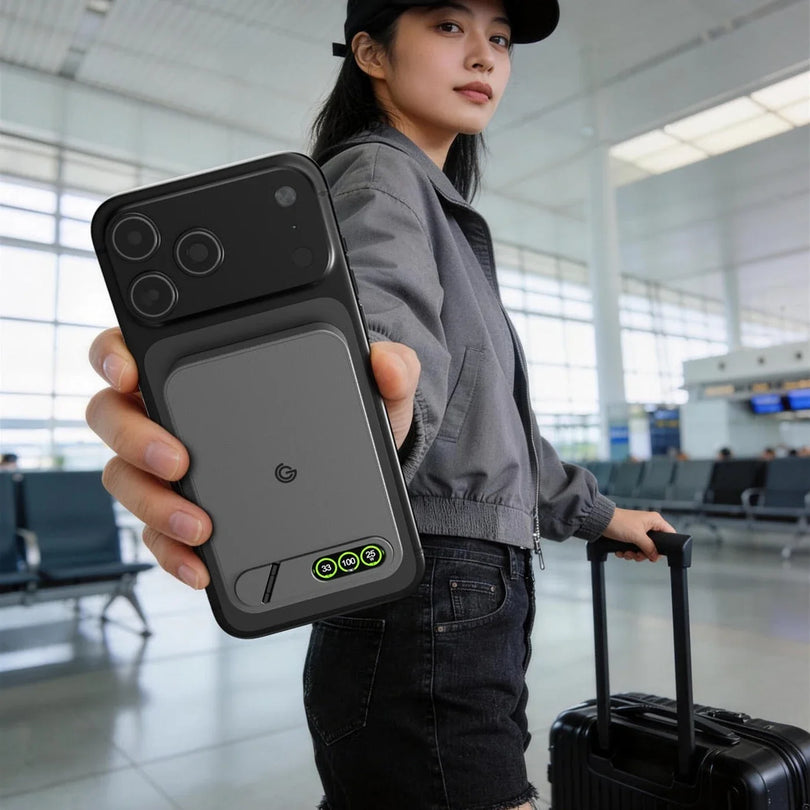
GC-Tag is model GC-C116. It uses a Bluetooth finding network to help locate items, and comes in an iOS version and an Android version.
iPhone owners use it through Apple's built-in Find My app. Android owners pair it with Google's Find Hub app. It runs on a user-replaceable CR2032 battery, rated for about a year or more, though actual life varies with how often you use it and the conditions it lives in.
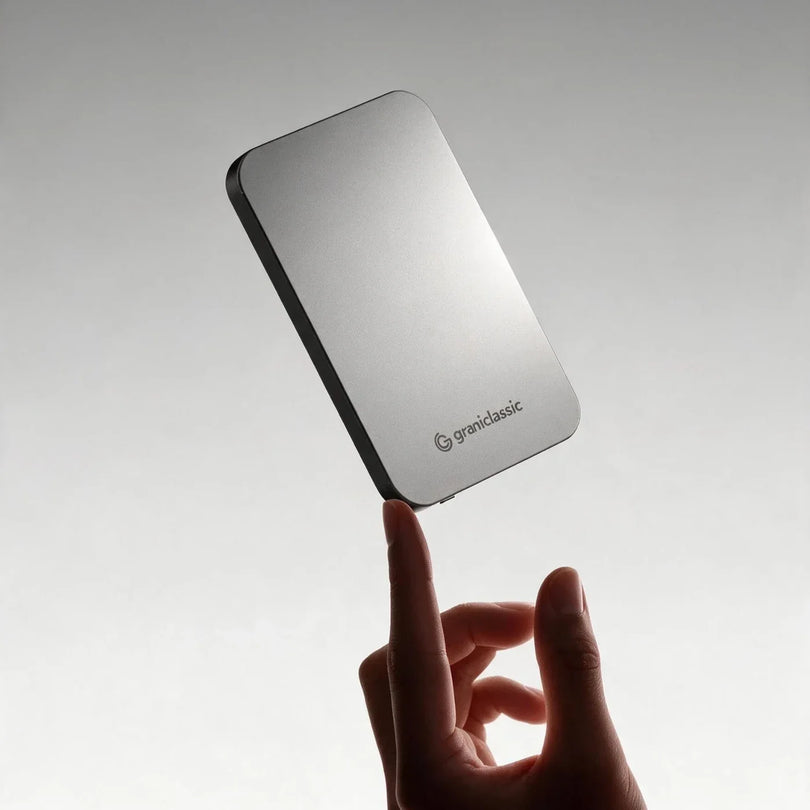
The standard GC-Tag weighs about 8 g (0.3 oz) and measures 50 x 34.8 x 6.0 mm (2.0 x 1.4 x 0.24 in).

1. What is GC-Tag, and who is it for?
GC-Tag is a Bluetooth tracker that uses your phone's finding network to help confirm where something is. You can attach it to or drop it in keys, a bag, a suitcase, a helmet, or a motorcycle phone mount.
With the right accessory, it also mounts to a pet collar or a child's wristband, so when an item, a pet, or a child is away from you, you have a recent location to work from.
GC-Tag suits you if you:
- Regularly forget where you put your keys or bag
- Worry about checked luggage going missing
- Want another way to help find a pet when you are out
- Take kids to malls, theme parks, or large events
- Want to check where a helmet or motorcycle was last seen
- Want one more layer of location awareness for things that matter
GC-Tag is a finding aid. It does not replace adult supervision, a leash, a motorcycle lock, or professional emergency equipment.
2. Is GC-Tag a real-time GPS tracker?
No. GC-Tag is a Bluetooth tracker. It does not connect to a cellular network on its own or continuously report its position the way a GPS tracker does.
When the GC-Tag is near your own phone, the phone detects it over Bluetooth. Once it leaves Bluetooth range, it relies on Apple's Find My network or Google's Find Hub network, where nearby devices that can report in detect it and update its approximate location.
Both Apple and Google run crowd-sourced finding networks: nearby devices relay location over Bluetooth, and the location data is protected with encryption.
References: how Apple's Find My network works and Google Find Hub data protection.
3. Does GC-Tag work with iPhone and Android?
Yes, but you choose the version that matches your phone at purchase.
iPhone owners should pick the iOS version and use Apple's built-in Find My app. Android owners should pick the Android version and use Google's Find Hub app, which some phones still label with its older name, Find My Device.
When the product page says "iOS / Android," it means two versions are available to choose from. It does not mean one GC-Tag can join both the Apple and Google networks at once. Confirm which operating system your main phone runs before ordering.
4. How do I set up GC-Tag the first time?
Start by confirming the version you bought matches your phone's operating system, then turn on Bluetooth, data, location, and notification permissions.
iPhone owners open the built-in Find My app. Android owners open Google's Find Hub app. Bring the GC-Tag close to the phone and follow the on-screen steps and the product manual to add, name, and pair it.
Name each GC-Tag for how you use it, such as "Milo's collar," "Anna's wristband," "black helmet," "my motorcycle," or "28-inch suitcase." It makes them much easier to tell apart later.
Once setup is done, test the location display, the sound alert, and notifications right away, so you know the phone permissions are all set correctly.
5. Can I use GC-Tag on a pet, a child, a helmet, or a motorcycle?
Yes. With the matching accessory, GC-Tag works on a pet collar, a child's wristband, a helmet, and a motorcycle phone mount, giving you a recent location or a nearby search.
All four are assisted location. The position does not update continuously the way a GPS tracker does.
Pets: with the pet collar case
Put the GC-Tag in the silicone pet collar case and fasten it to the collar, and you can check the latest location from your phone.
It suits walks, trips to the dog park, travel, and camping. If your pet slips out the door, you can look at the last position the finding network picked up and use it as a direction to search in.
The dedicated case holds the GC-Tag flush against the collar, which reduces knocks, scratches, and dust during everyday activity. Check that the case and collar are securely fastened before each outing so nothing works loose.
Keep in mind that GC-Tag does not show a live path of your pet's movement. In remote terrain, thinly populated areas, or anywhere without nearby devices to relay, the location can take a while to refresh. It is not a substitute for a leash, a registered microchip, or a GPS pet tracker.
Kids: with the silicone wristband case
Slide the GC-Tag into the silicone wristband case and a child can wear it on the wrist, which gives you a finding aid at a mall, a convention, a theme park, or on a trip.
Crowded places usually have plenty of phones and devices passing by, so there is a better chance of a fresh location. If a child steps out of sight for a moment, you can check the last position as a direction to search in.
The wristband has no calling, no SOS button, and no continuous GPS, and it does not replace a parent or caregiver watching in person. Fit it comfortably, not tight, and check regularly that the band and the GC-Tag are still secure.
Helmets: with the helmet accessory
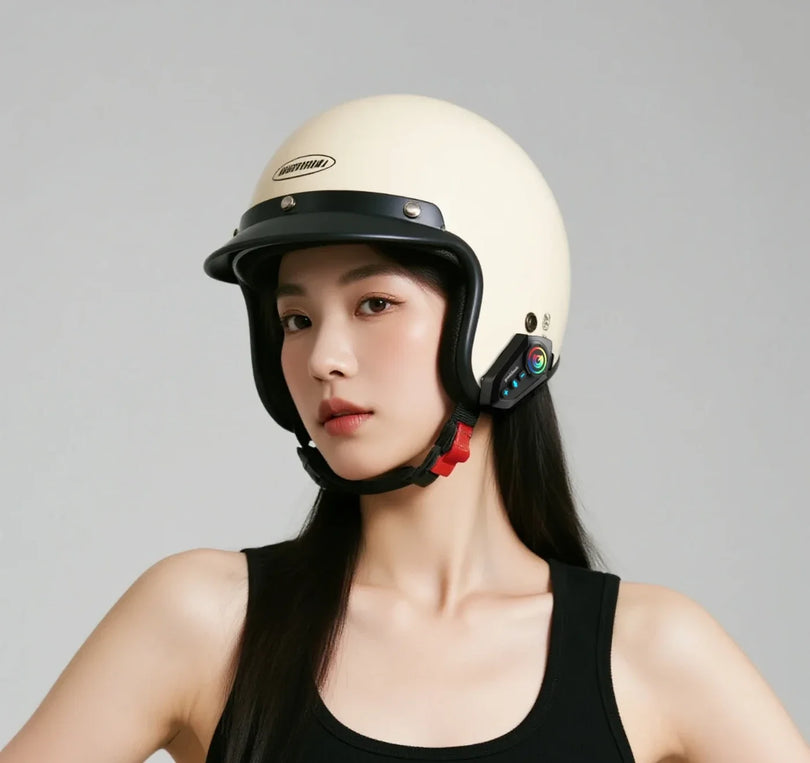
GC-Tag can be attached to a helmet with the helmet accessory, which mounts without tools so you can check where the helmet was last seen.
It helps when you park and forget where the helmet ended up, when a helmet gets picked up by mistake or moved, and for managing gear on a worksite, at outdoor events, or across a group.
Mount it on a flat area that does not affect the fit, and do not block vents, the visor, or any mechanism. Never drill into the helmet or change its original structure.
If the helmet moves with a rider or a worker, the app shows the last position the finding network detected, not live status. It is not the only equipment you should rely on for site safety or emergency response.
Motorcycles: with the OctaStand tracker edition
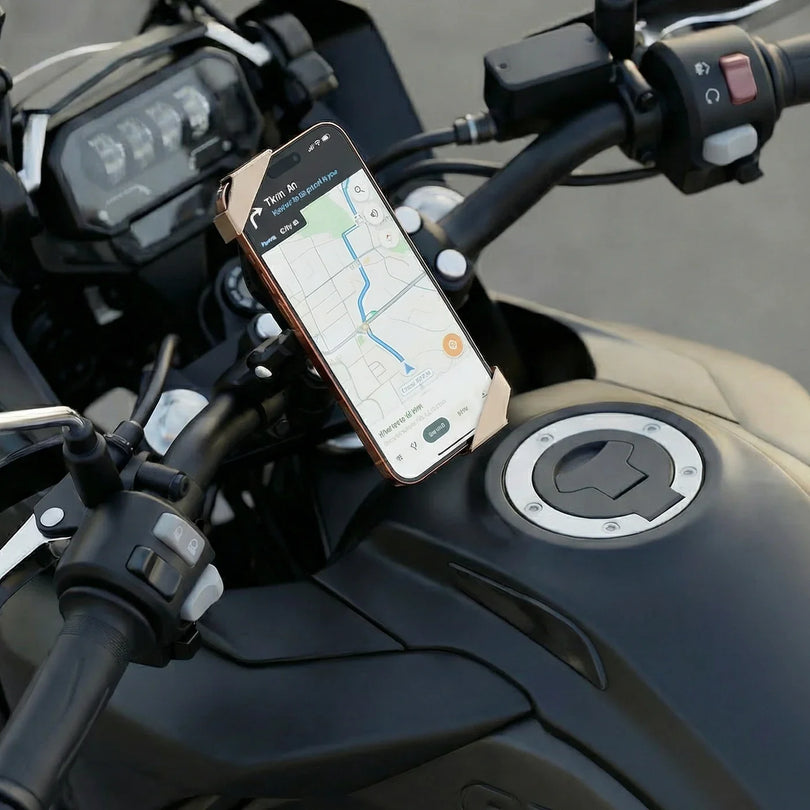
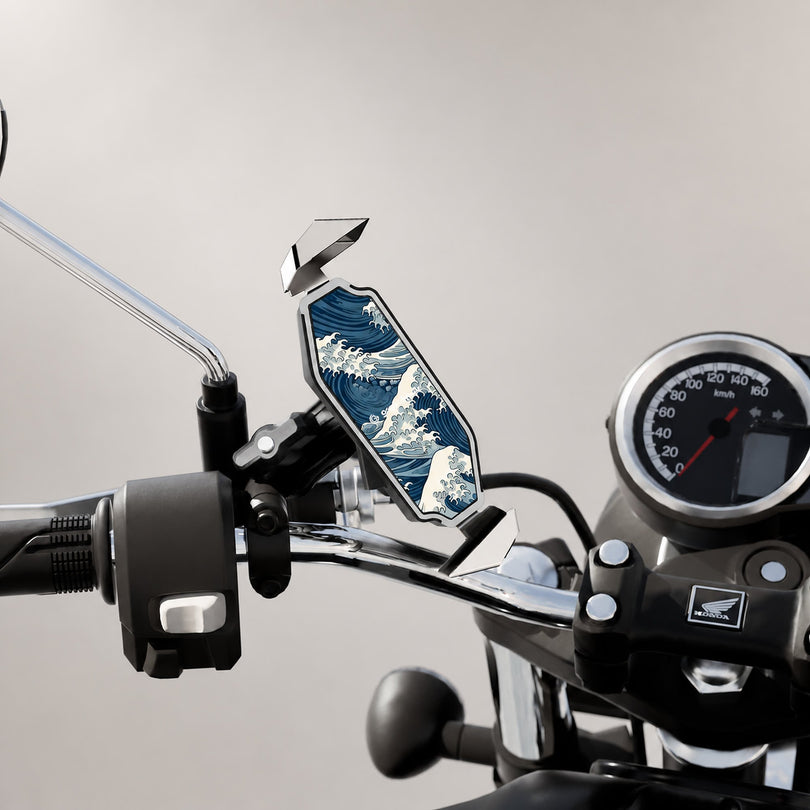
The OctaStand motorcycle phone mount, tracker edition, holds a GC-Tag in a built-in compartment, so the tracker is not obvious from the outside.
When you forget where you parked, the bike gets moved, or you are hunting for it in a large lot, the app can show the last known location. The tracker edition also comes in iOS and Android versions, so confirm your phone's system before ordering.
GC-Tag adds a layer of location awareness to a motorcycle, but it is not a GPS anti-theft system. In an underground garage, a remote area, or anywhere with few devices around, the position may refresh slowly, so keep using a fork lock, a disc lock, or your other security measures.

6. How do I actually find something with GC-Tag?
Open Apple's Find My or Google's Find Hub, pick the GC-Tag, and look at the map position and the time it was last updated.
If the GC-Tag might be somewhere in the house, the office, a parking garage, or nearby, use the app's play sound or nearby search feature and follow the sound in.
If the item, pet, helmet, or motorcycle has already left the area, check the last position and its timestamp on the map first, then head there.
Exact feature names vary by phone model, app version, and operating system.
7. Does GC-Tag update its location continuously?
No. GC-Tag does not draw a live path or refresh on a fixed interval the way a vehicle GPS tracker does.
How quickly it updates depends on whether a device on the matching finding network passes nearby, and on that device's Bluetooth, location, and network state at the time.
In busy, device-dense places such as a city center, a mall, a station, or an airport, a fresh location usually comes faster. In sparsely populated areas, basements, remote terrain, or places where signal is blocked, it can take considerably longer.
That is how a Bluetooth finding network behaves. It does not mean the GC-Tag is faulty.
8. Why has my GC-Tag location not updated?
The usual reasons are that no device capable of relaying a position has passed nearby recently, or that the GC-Tag is in a basement, a metal enclosure, or another spot where signal is blocked.
Bluetooth, data, location, or app permissions that are switched off on your phone can also break syncing. A low battery can keep the app from getting a new position as well.
When the location looks stale, check the "last updated" time on the map first, then review your phone settings and refresh the app. Android owners who still cannot get a position can also check Google's Find Hub troubleshooting guide.
9. Does GC-Tag work without an internet connection?
GC-Tag broadcasts over Bluetooth and needs no Wi-Fi of its own and no SIM card. Syncing and viewing a remote location in the phone app, however, does require a connection.
If the GC-Tag is near your phone, the phone can still detect it over Bluetooth. Once it is out of range, another device on the finding network has to detect it and relay the position securely over the internet.
So in a place with no connectivity at all, or with no relaying devices nearby, the app may show only the last position that updated successfully.
10. Does GC-Tag need charging, and can I replace the battery?
GC-Tag does not need charging. It runs on a single user-replaceable CR2032 coin cell. The rated life is about a year or more, though real-world life depends on how often you use it, how many sound alerts you trigger, ambient temperature, and battery quality.
When the app reports a low battery, or the GC-Tag will not connect or play a sound, fit a fresh CR2032 following the manual and confirm the connection and features work again.
Coin cells are small, so keep them where children and pets cannot reach them, and recycle used cells according to local rules.
How is GC-Tag different from a GPS tracker?
GC-Tag is built for everyday anti-loss and assisted finding, such as confirming where keys, luggage, a pet, a child, a helmet, or a parked motorcycle were last seen. It relies on a finding network of nearby phones and devices to relay the position, so update timing varies, and it is not the right tool for logging a continuous route.
A GPS tracker uses satellite positioning, and many models add a SIM card and cellular data to report a position on a set schedule. Those products usually deliver more frequent updates or a movement history, but they need regular charging and often carry data or subscription fees.
Put simply: if the need is everyday anti-loss, or one more way to confirm the location of a pet, a child, a helmet, or a parked motorcycle, the size and battery life of GC-Tag fit daily use well.
If you need a live movement path, choose dedicated equipment with GPS and cellular connectivity.

Four reminders before you start
- Choose the iOS or Android version before you buy.
- After pairing, test location, sound, and notifications.
- When checking a location, read the last-updated time, not just the pin on the map.
- For pets, kids, or vehicles, use it alongside your existing safety measures.
The value of GC-Tag is not constant monitoring. It is having one more way to confirm a recent location and search nearby when you need it. Understand how a Bluetooth finding network behaves, then pick the accessory that matches your situation, whether that is a pet collar, a child's wristband, a helmet, or a motorcycle.


