





Wireless charging gets warm, and that is normal. What matters is how warm. Moving energy by electromagnetic induction always loses some of it. Efficiency typically lands between 50% and 85%, and the energy that does not make it across turns into heat. That is physics, not a broken charger. The question is not whether it gets warm, but how warm, and whether anything else looks off. This article walks through temperature ranges and the damage repair techs actually see, so you can tell whether the warmth in your hand is normal.
Why wireless charging always produces heat
The heat comes from how the energy travels. Wired charging sends current straight through a connector, with relatively low loss. Wireless charging uses coils: electricity becomes a magnetic field, and the coil in the phone turns it back into electricity. Every conversion loses a little energy, and almost all of it leaves as heat. So no matter the brand or the standard (Qi, Qi2, MagSafe), heat is built into wireless charging. What differs is efficiency and thermal design, and whether the heat gets carried away instead of sitting between the phone's back cover and the charging module.
Normal warm, running warm, and too hot
Rather than judging by how hot it feels, compare against temperature ranges. The bands below are rough references for the surface of the phone's back cover or the charger while charging:
- Normal warm (about 35°C to 40°C): slightly warm, comfortable to hold. This is the normal byproduct of energy conversion, and nothing needs to be done.
- Running warm, worth watching (about 40°C to 45°C): clearly hot but still bearable. Check whether charging has slowed down. Staying in this range for long stretches can speed up battery aging.
- Too hot (above 45°C): uncomfortable to hold, and you want to let go. This is outside the normal operating range for wireless charging. Stop charging and check your accessories and surroundings.
What too hot actually looks like
Plenty of people know overheating is bad without knowing what it looks like. These signs are concrete enough to check yourself:
- The phone slows charging or shows a heat warning: when the system detects a high temperature, it cuts charging power on its own and may post a notice asking you to pause. That is the phone protecting itself.
- Charging stops on its own: not a loose plug, but charging that halts partway through, usually because thermal protection kicked in.
- The charger or phone case warps or softens: plastic held at high temperature can soften and deform, a sign the heat has passed what the material can take.
- The back cover bulges slightly: this is an early sign of a swelling battery, and a serious one. Stop using it and have it checked.
If it is only warm to the touch with none of the above, there is generally no reason to worry. Once you see a slowdown warning or charging cutting out, start by ruling out accessories and the environment.
A repair tech's view: what long-term heat does inside a phone
From the repair bench, ignoring the heat is not an abstract warning. The damage follows a clear path. Long stretches in the warm or too-hot ranges affect the inside of a phone in three main ways:
- Faster battery aging: lithium batteries behave less predictably at high temperatures, and capacity fades faster than with normal use. That is one reason some phones lose noticeable runtime after a year or two, and charging habits can be part of it.
- Magnets losing strength: on devices that align magnetically, sustained heat can gradually weaken the magnets, so alignment holds less firmly and charging efficiency drops with it.
- Charging chip and solder joint damage: continuous heat puts extra thermal stress on the charging chip and the solder joints on the logic board, raising the odds of intermittent contact or chip failure. These problems rarely appear at once. They build up until they show.
Phones that come in after long-term overheating cluster in two groups: swollen batteries, and a clear drop in charging efficiency. Both are usually avoidable by paying attention to temperature early.
Situations that push charging hotter
How warm things get is not fixed. It varies with how you charge:
- Whether the case is off: thick cases, or cases with metal in them, block heat from escaping and trap it between the case and the back cover. Take the case off before charging.
- Alignment: coils that do not line up lower transfer efficiency, and the lower the efficiency, the more energy becomes heat.
- Ambient temperature: a car in summer or a stuffy room starts out hot, so wireless charging pushes the temperature into the warm range faster.
- Wattage and placement: higher-wattage fast charging generates more heat, and lying flat cools differently than a stand. A stand usually helps air move and heat escape.

Reducing heat through hardware design
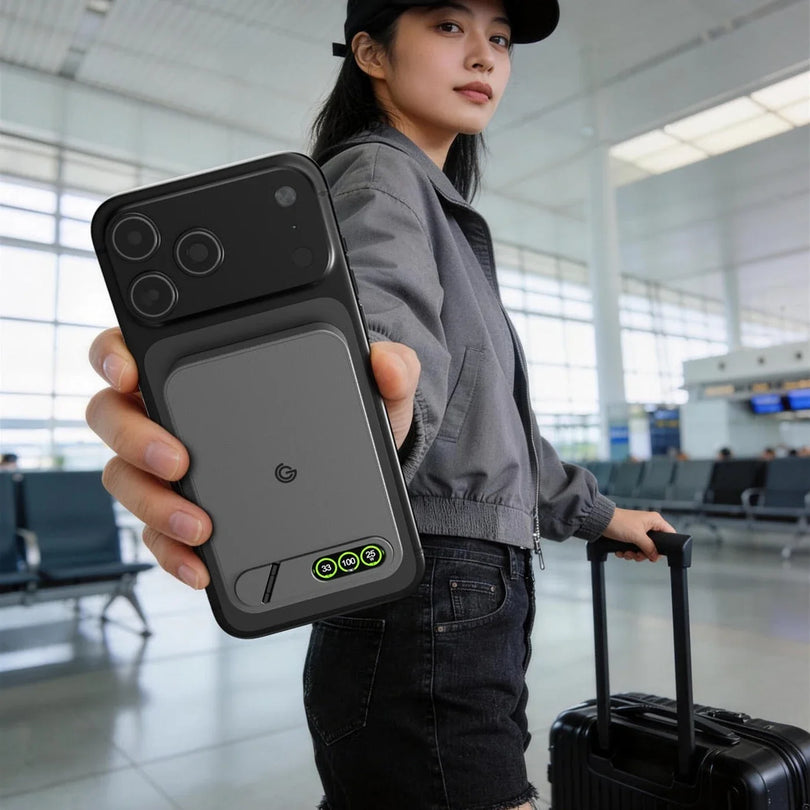
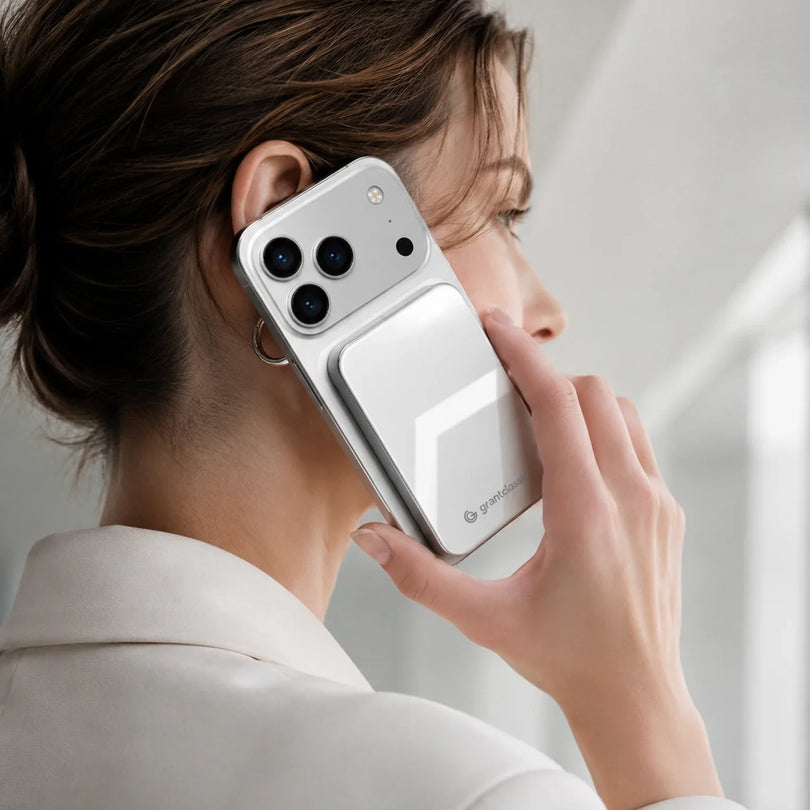
Heat cannot be eliminated, but hardware can move it out faster and spread it more evenly. TITANSHIELD Pro supports 25W wireless output (Qi2.2), and thermal design was part of the development work alongside charging speed. The goal is to keep heat from sitting between the charging module and the phone, so charging stays in the normal warm range. When you shop for a wireless charger, look past the wattage and check whether the brand says anything specific about thermal design or heat-conducting materials. That is often what decides how it holds up over time.
FAQ
Does wireless charging get hotter than wired charging?
Yes. Wireless charging moves energy by electromagnetic induction, which loses more in conversion than a direct wired connection, so it runs warmer. That is a property of the technology, not a sign of a faulty product.
My phone feels hot while charging. Should I unplug it right away?
Check how hot it is first. If it is merely warm and comfortable to hold, there is generally nothing to do. If it is uncomfortably hot, or the phone shows a slowdown warning or stops charging, stop charging and check the case, the alignment, and the room temperature.
Do I have to take the case off to charge?
It is recommended, especially with thick cases or cases containing metal, which trap heat and push the temperature up faster. Taking the case off is one of the simplest and most effective ways to cool things down.
Does long-term heat from wireless charging shorten battery life?
Staying above the normal warm range for long periods can speed up battery aging. That is why it is worth watching the temperature rather than waiting until capacity has clearly dropped or the back cover starts to bulge.
How many watts does TITANSHIELD Pro charge at wirelessly?
TITANSHIELD Pro supports 25W wireless output (Qi2.2), designed with fast charging and heat dissipation together so charging stays in the normal warm range as much as possible.
 TITANSHIELD Pro 10000 mAh Solid-State Power BankSolid-state cell, 25W wireless fast chargin...
View product
TITANSHIELD Pro 10000 mAh Solid-State Power BankSolid-state cell, 25W wireless fast chargin...
View product


